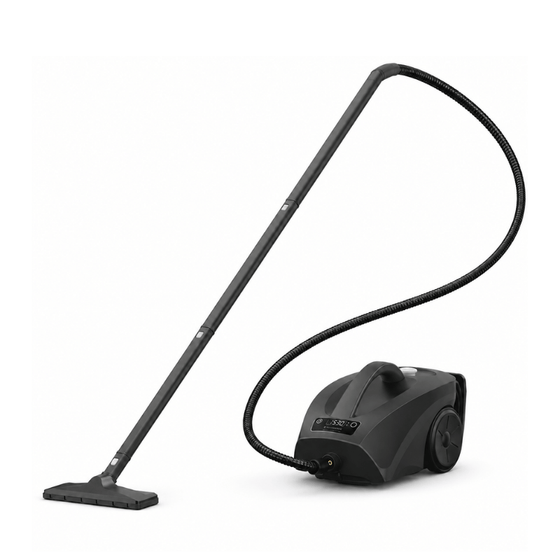

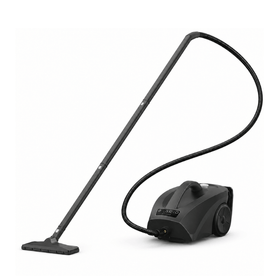
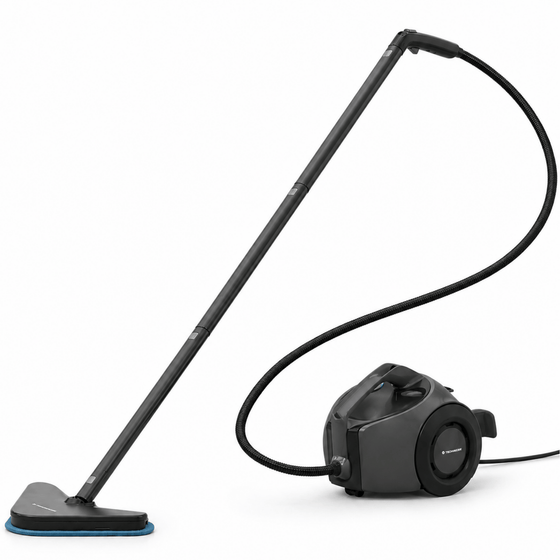

Most popular for the weekly deep clean
€ 269,95€ 159,95

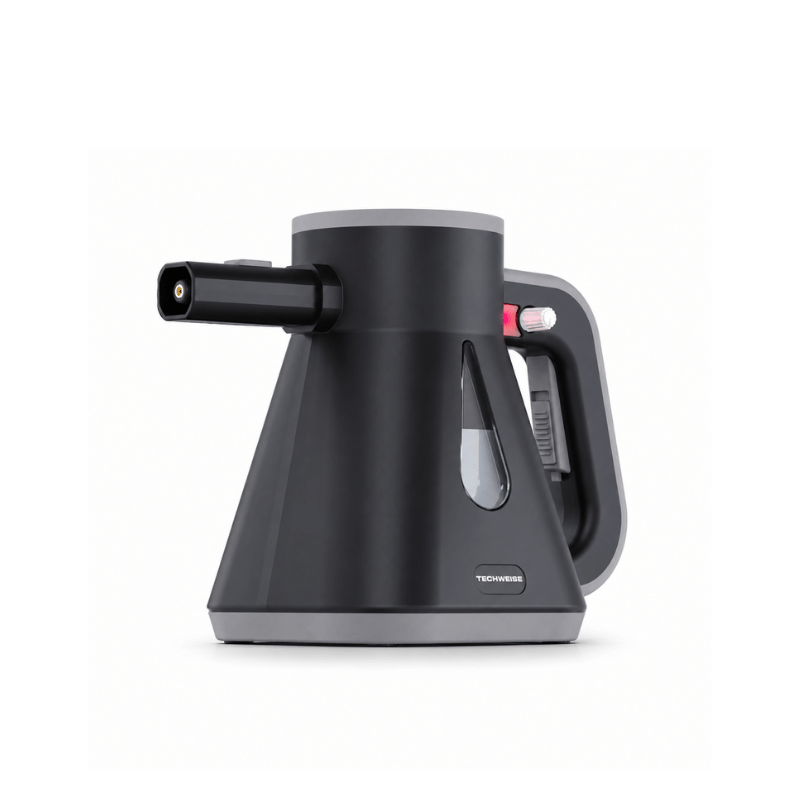
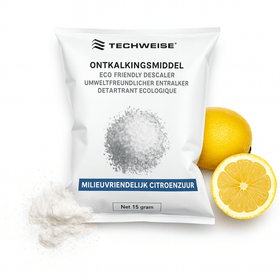 Furniture/upholstery accessory for steam cleanersPerfect for disinfecting
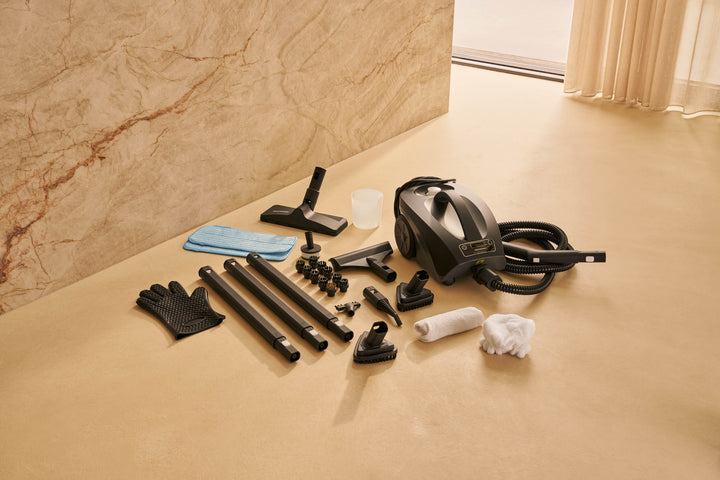
 Additional set of 8 brushes TS1 and TS2 Steam CleanerSuitable for all hard surfaces
 2 mop cloths for TS1<tamp>and TS2 steam cleaners</tamp>Suitable for all types of floors
Shop accessories by model
Your shopping cart is empty

Popular searches
This is searched for a lot
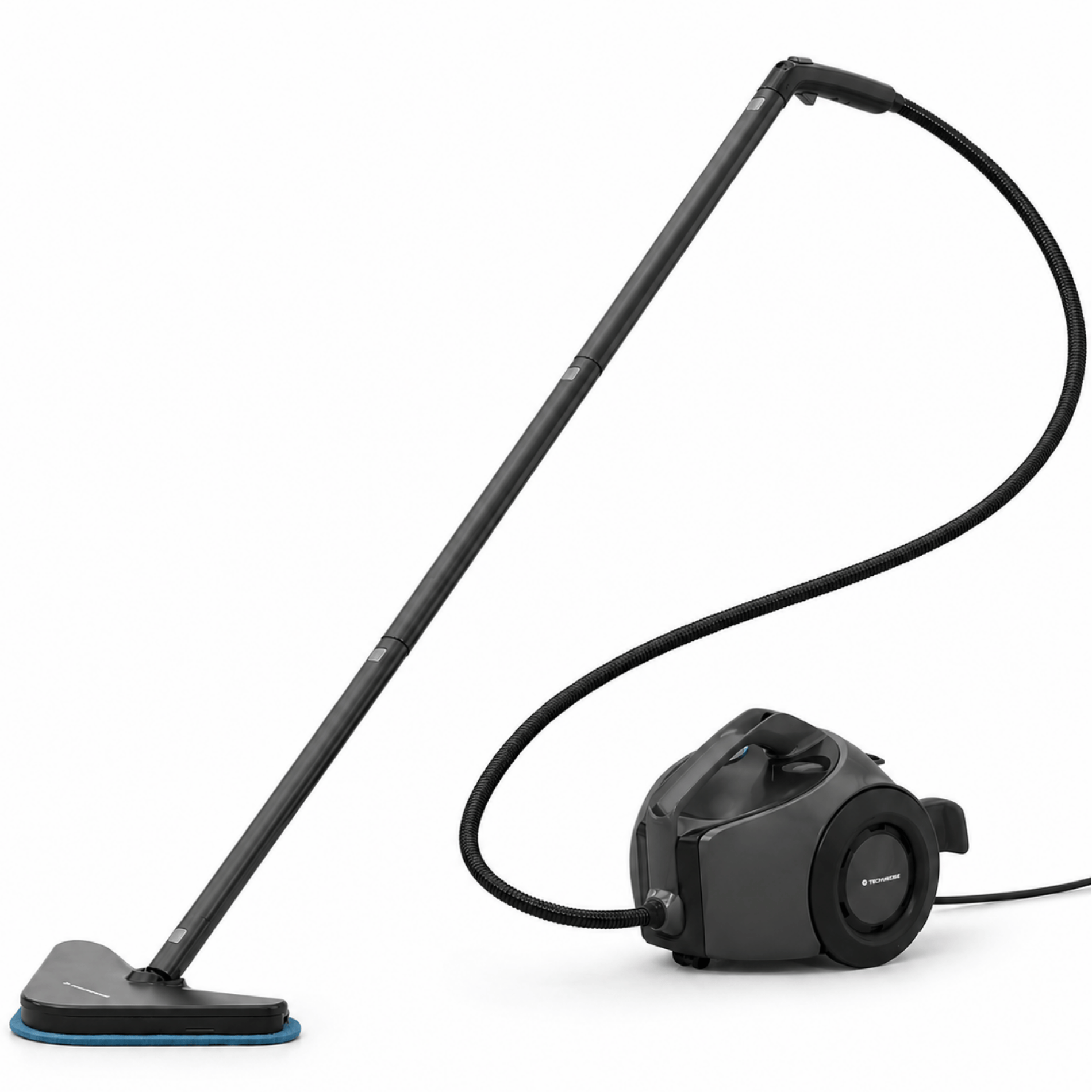
Most popular for the weekly deep clean
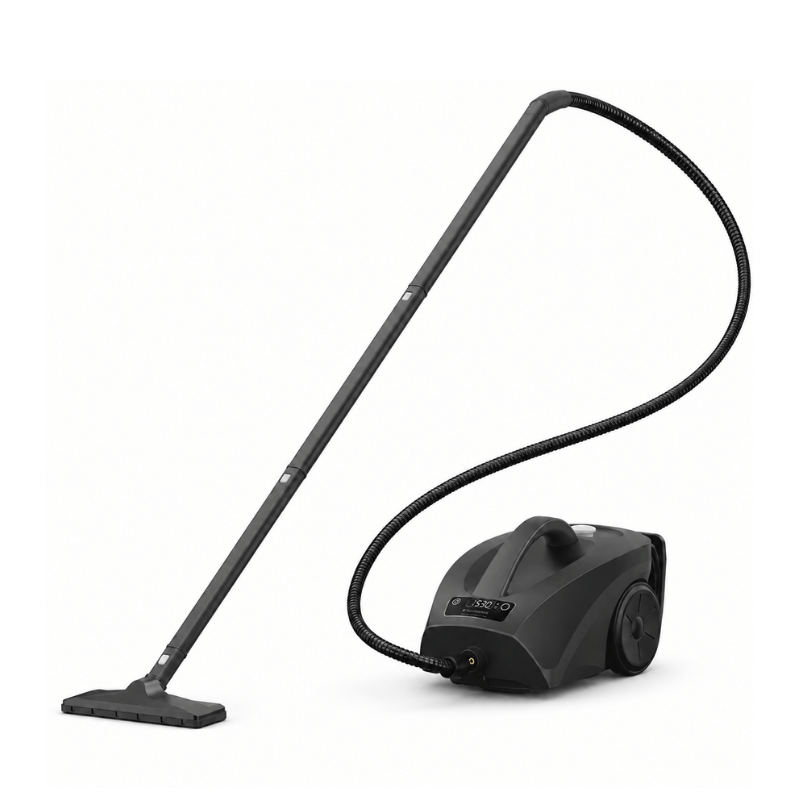
For large homes and heavy-duty jobs

Usage Tips TV1 Steel Vacuum Cleaner
Your cordless stick vacuum always works best when you use it for the first time. But is it not picking up as well now? That’s no reason to immediately buy a new one. With a few simple steps, you can often significantly improve the suction power. Below are 5 practical tips to keep your vacuum in top shape.
1. Empty and clean the dustbin regularly
An overfilled dustbin is one of the main causes of reduced suction power. So empty it on time, but also give it a thorough cleaning every now and then. Remove the cyclone filter from the dustbin for better cleaning. Rinse it with water or a mild soapy solution, let it dry thoroughly, and you’ll prevent dirt from building up.
2. Don’t forget the filter
The filter captures fine dust and dirt—but that also means it gradually becomes clogged. You’ll notice this in the suction power. Check the manual to see how to clean the filter, and replace it at least once a year. This will keep your vacuum working smoothly and powerfully.
3. Remove hair from the brush roll
The rotating brush in the floorhead can become clogged with hair or threads. As a result, it rotates less effectively and picks up dirt less efficiently. Simply remove the brush (this is often very easy), cut away the hair with scissors, and it will rotate like new again.
4. Check the tube for blockages
Small objects such as toys, rubber bands, or pieces of plastic can become lodged unnoticed in the tube or hose. This can seriously block the airflow. So check occasionally whether anything is stuck, and remove it if necessary.
5. Make sure the battery is fully charged
When the battery is almost empty, the vacuum may have less suction power. Are you planning a larger cleaning job? Make sure you fully charge the battery first. This way, you’ll get the most out of your vacuum.
A stick vacuum is very convenient, but to enjoy it for a long time, regular maintenance is essential. Fortunately, it doesn’t have to take much time at all. With these simple tips, your vacuum will stay powerful and reliable.
1. Empty the dust container regularly
Using the vacuum with a full container affects its suction power and can damage the filter. That’s why you should empty the dust container after every cleaning session. Occasionally, also clean the container with a dry cloth to prevent dirt from building up.
2. Take care of the filters every month
Dust and dirt collect in the filter—and this affects not only the air coming out of the vacuum, but also its performance. Tap out the filter once a month. Do you vacuum every day? Then it’s a good idea to replace the filter every six months. Check your vacuum’s manual to see whether the filter is washable.
3. Take good care of the battery
A few simple habits can significantly extend your battery’s lifespan:
Would you like to vacuum for longer without having to recharge in between? Then an extra battery is definitely worth considering.
4. Check for blockages
Sometimes your vacuum unknowingly picks up something that gets stuck. Think of lint, hair, or small objects. This can significantly reduce the suction power. So, check the following regularly:
Keeping these parts clean helps your vacuum continue working smoothly, so you don’t lose any suction power.
The battery lasts 90 minutes in normal mode. To vacuum for longer, follow these steps:
1. Do not use turbo mode by default. In this mode, the battery lasts 20 minutes. Use normal mode as much as possible; it is very powerful on its own.
2. Make sure the dust container is as empty as possible. The fuller the reservoir, the harder the motor has to work, causing the battery to run out faster.
3. Clean your filters regularly. This helps improve battery performance.

Cleaning can be so much better. Our powerful products, which you can rely on for years, prove it.