
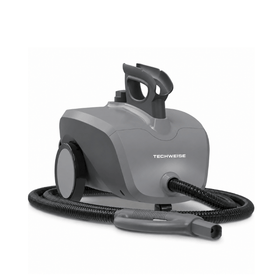
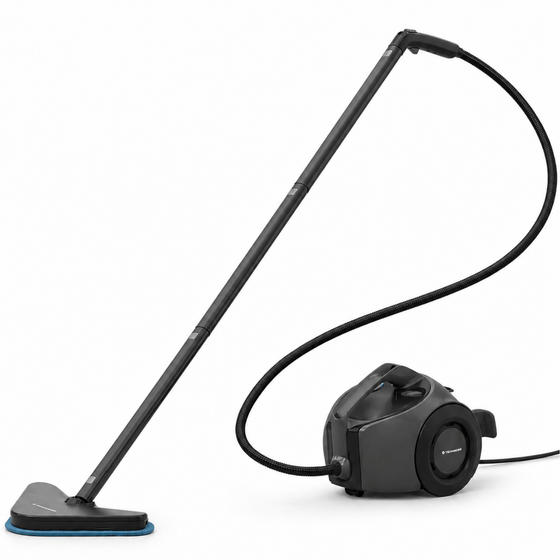

Most popular for the weekly deep clean
€ 269,95€ 179,95

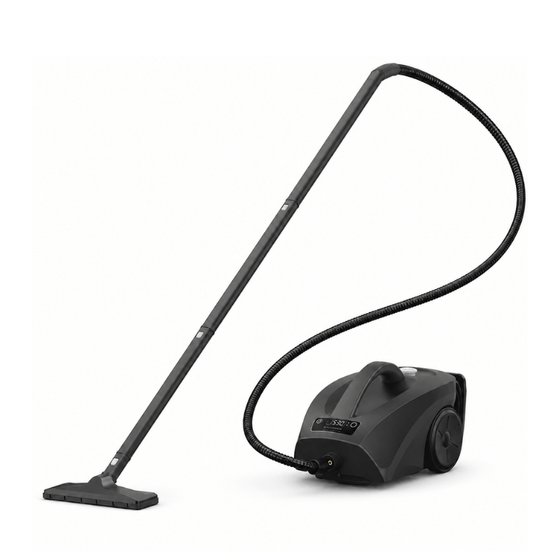
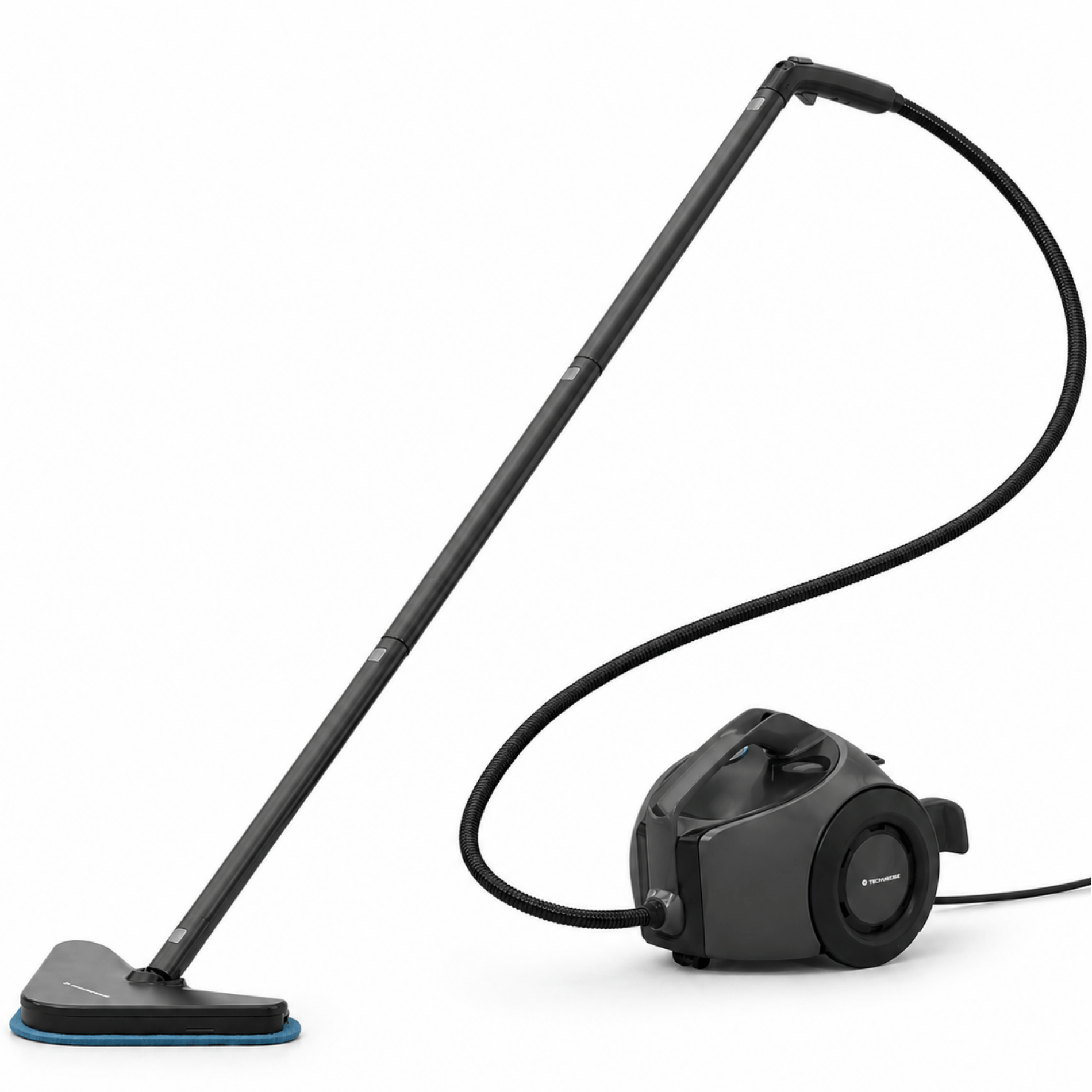
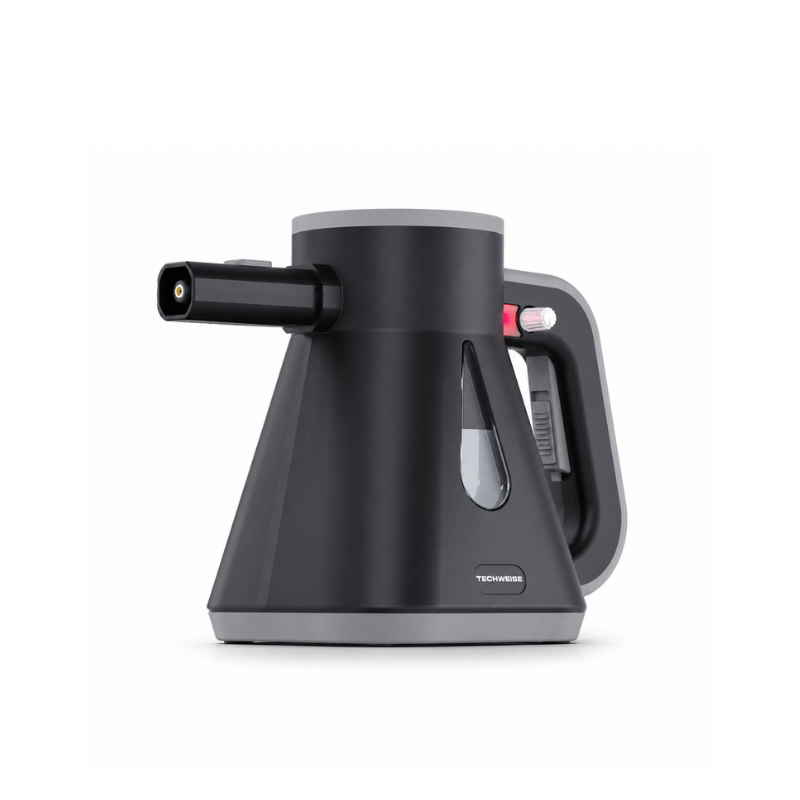
 TS1 Steam DuoSteam cleaner and garment steamer in one value bundle
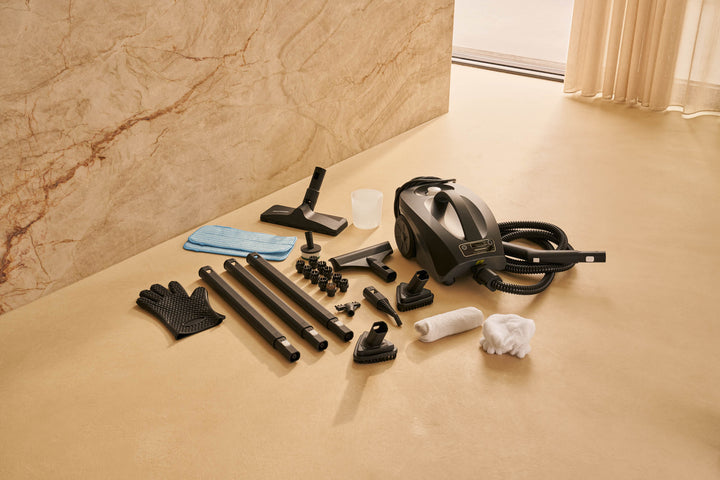
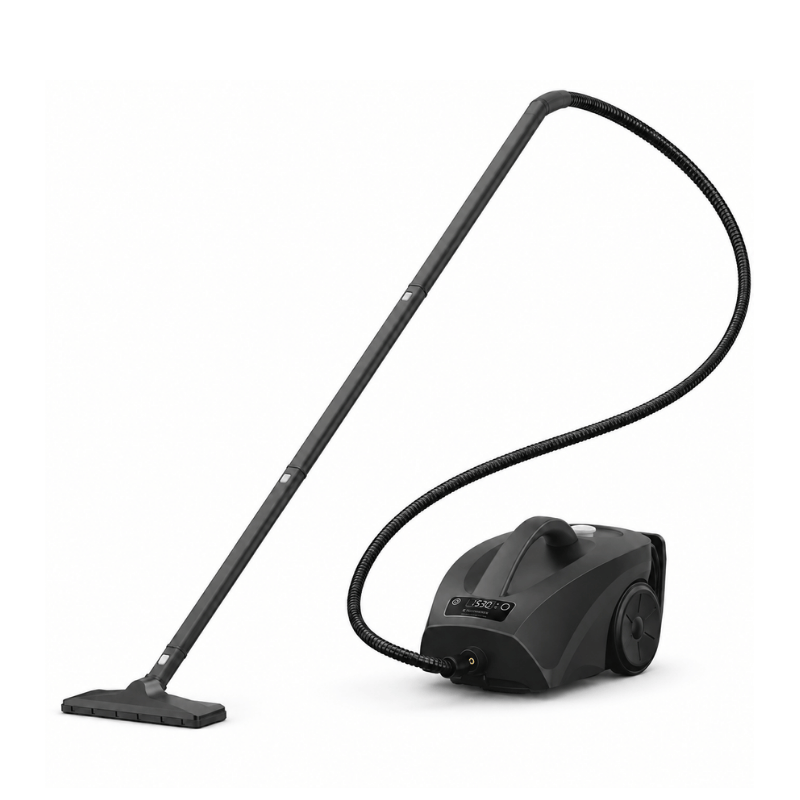
 TS2 Performance Steam DuoThe TS2 Performance Steam Duo pairs the TS2 Performance S...
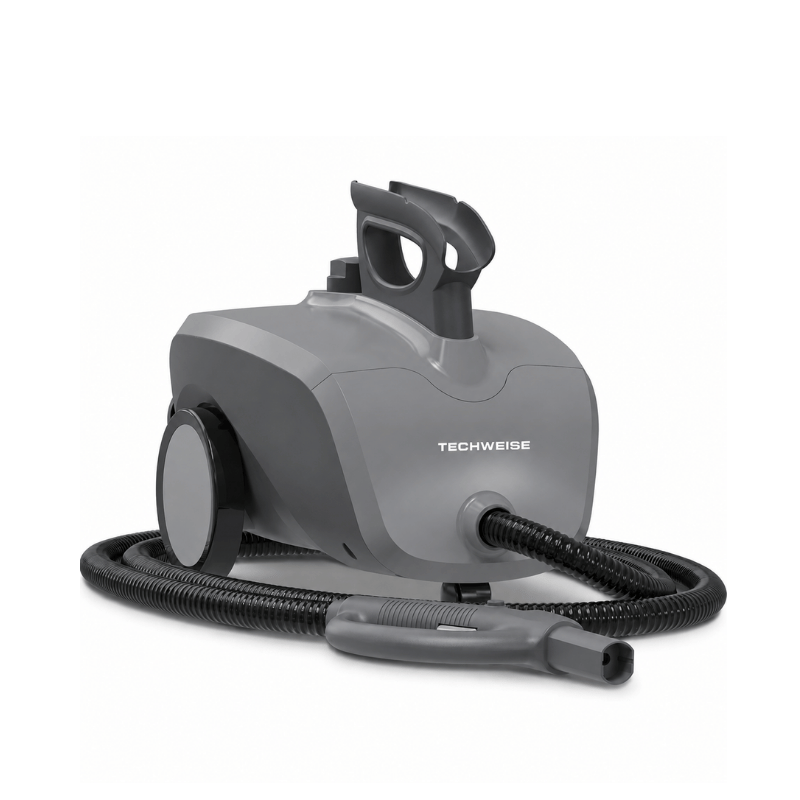
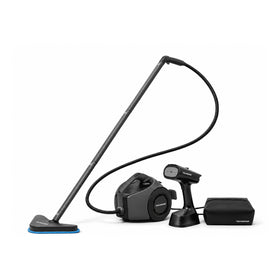 TS3 Edge Steam DuoOur most powerful steam cleaner plus garment steamer
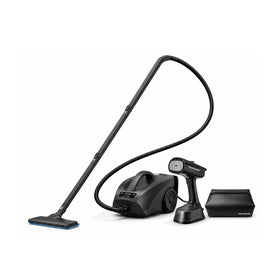
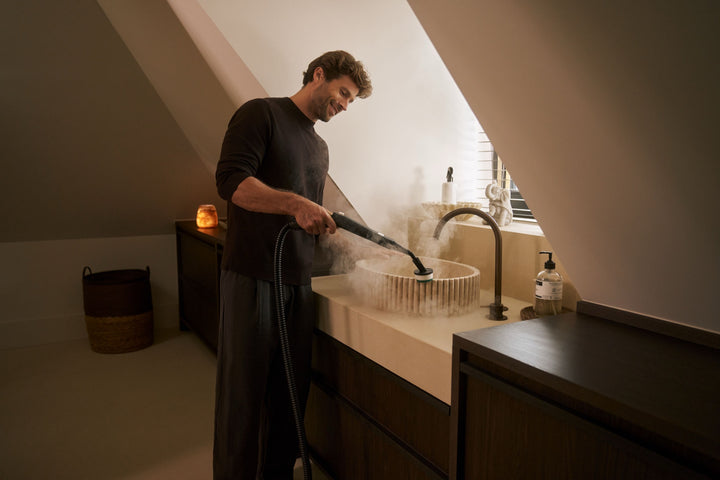
 Furniture/upholstery attachment for steam cleanersPerfect for disinfecting
 Extra Set of 8 Brushes for TS1 and TS2 Steam CleanerSuitable for all hard surfaces
 2x mop pad for TS1 & TS2 Steam CleanersSuitable for all floor types

Shop accessories by model
Your cart is empty
Popular searches
Popular searches
Most popular for the weekly deep clean
For large households and heavy-duty jobs

TV1 Stick Vacuum: Tips for Use
Your cordless vacuum performs at its best the first time you use it. But is the suction not what it used to be? That's no reason to buy a new one straight away. A few simple steps can often give the suction power a real boost. Below, you'll find 5 practical tips to keep your vacuum in top shape.
1. Empty and clean the dust container regularly
An overfull dust container is one of the biggest causes of reduced suction. So empty it in good time, and give it a proper clean every now and then too. Take the cyclone filter out of the dust container so you can clean it more thoroughly. Rinse it with water or a little mild soapy water, let it dry completely, and you'll stop dirt from building up.
2. Don't forget the filter
The filter traps fine dust and dirt, but that also means it slowly gets clogged. And you'll notice that in the suction power. Check the manual to see how to clean the filter, and replace it at least once a year. That way, your vacuum keeps running smoothly and powerfully.
3. Remove hair from the brush roll
The rotating brush in the floor head can get tangled with hair or threads. This stops it spinning properly, so it picks up less dirt. Take the brush out (usually very easy to do), cut the hair free with scissors, and it'll spin like new again.
4. Check the tube for blockages
Small objects such as toys, hair ties or bits of plastic can get stuck in the tube or hose without you noticing. That can seriously block the airflow. So check now and then whether anything's stuck, and remove it if there is.
5. Make sure the battery is properly charged
When the battery is almost empty, your vacuum may not suck as powerfully. Got a bigger cleaning job ahead? Fully charge the battery first. That way, you'll get the most out of your vacuum.
A stick vacuum is incredibly handy, but if you want it to last, regular maintenance is key. Luckily, it doesn't have to take much time at all. These simple tips will keep your vacuum powerful and reliable.
1. Empty the dust container regularly
Using your vacuum with a full container reduces suction power and can damage the filter. So empty the dust container after every clean. Wipe it out with a dry cloth now and then to stop dirt from building up.
2. Look after the filters every month
Dust and dirt collect in the filter. This affects not only the air that comes out, but also how well your vacuum performs. Give the filter a good tap once a month. Vacuum every day? Then it's a good idea to replace the filter every six months. Check your vacuum's manual to see if the filter is washable.
3. How to look after the battery
A few simple habits can make your battery last much longer:
Want to vacuum for longer without stopping to recharge? A spare battery is well worth considering.
4. Check for blockages
Sometimes your vacuum picks up something that gets stuck without you noticing, such as fluff, hair or small objects. This can seriously reduce suction power. So check these parts regularly:
Keep these parts clean and your vacuum will keep running smoothly, with no loss of power.
The battery lasts 90 minutes on the normal setting. To vacuum for longer, here's what to do:
1. Don't use turbo mode by default. On this setting, the battery lasts 20 minutes. Stick to the normal setting as much as possible: it's very powerful on its own.
2. Keep the dust container as empty as possible. The fuller it gets, the harder the motor has to work, which drains the battery faster.
3. Clean your filters regularly. This helps the battery perform at its best.

Cleaning can be so much better. Our powerful products, built to last for years, are the proof.